AI photoshoot from your photo
Choose a look. Add your photo — the scene and settings are ready.
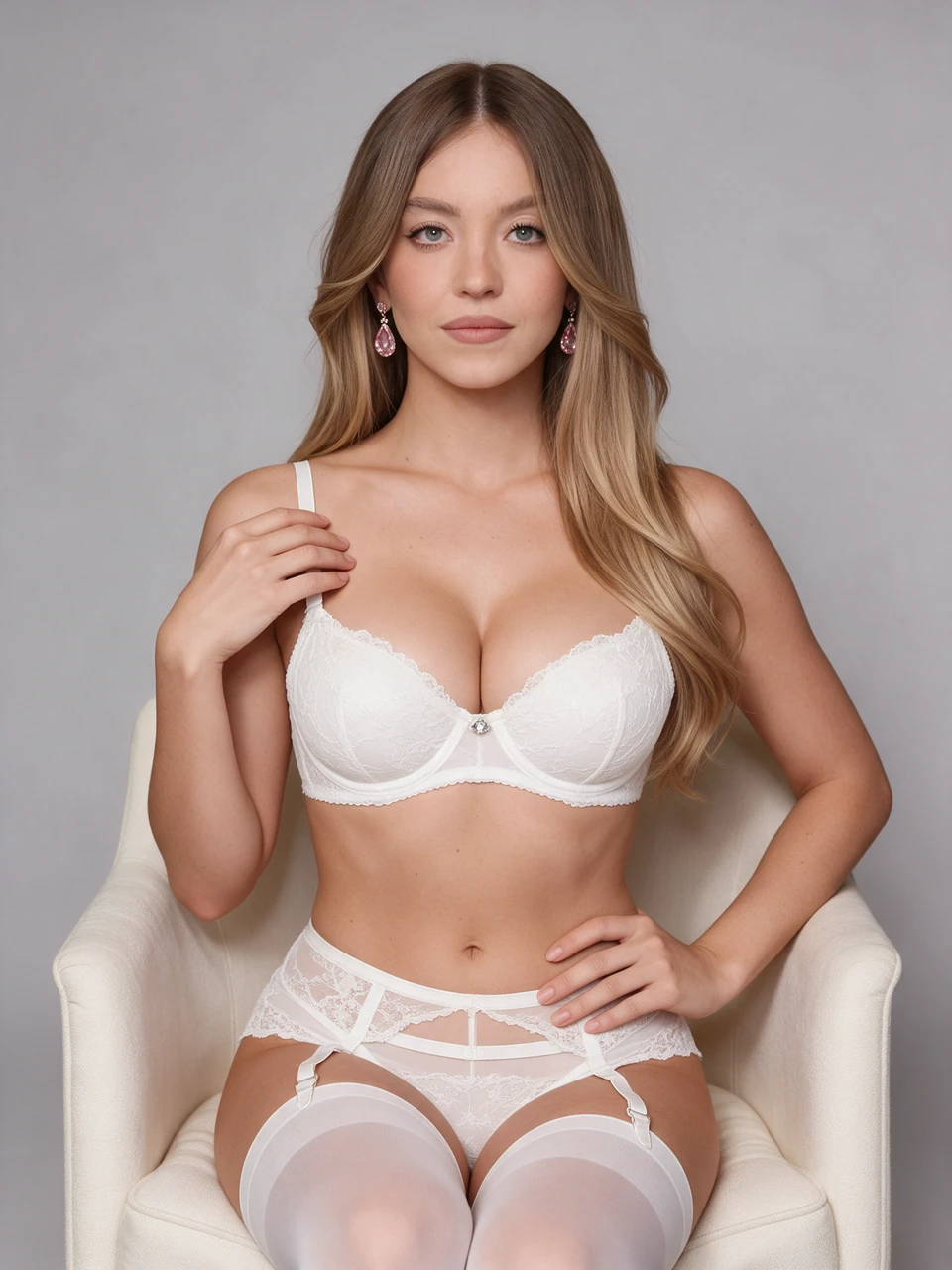
White Lace Photoshoot
Create a studio portrait in white lace lingerie from one photo. A cream armchair, soft light and pink earrings complete the look while the template keeps your facial features and hairstyle.
Try with your photo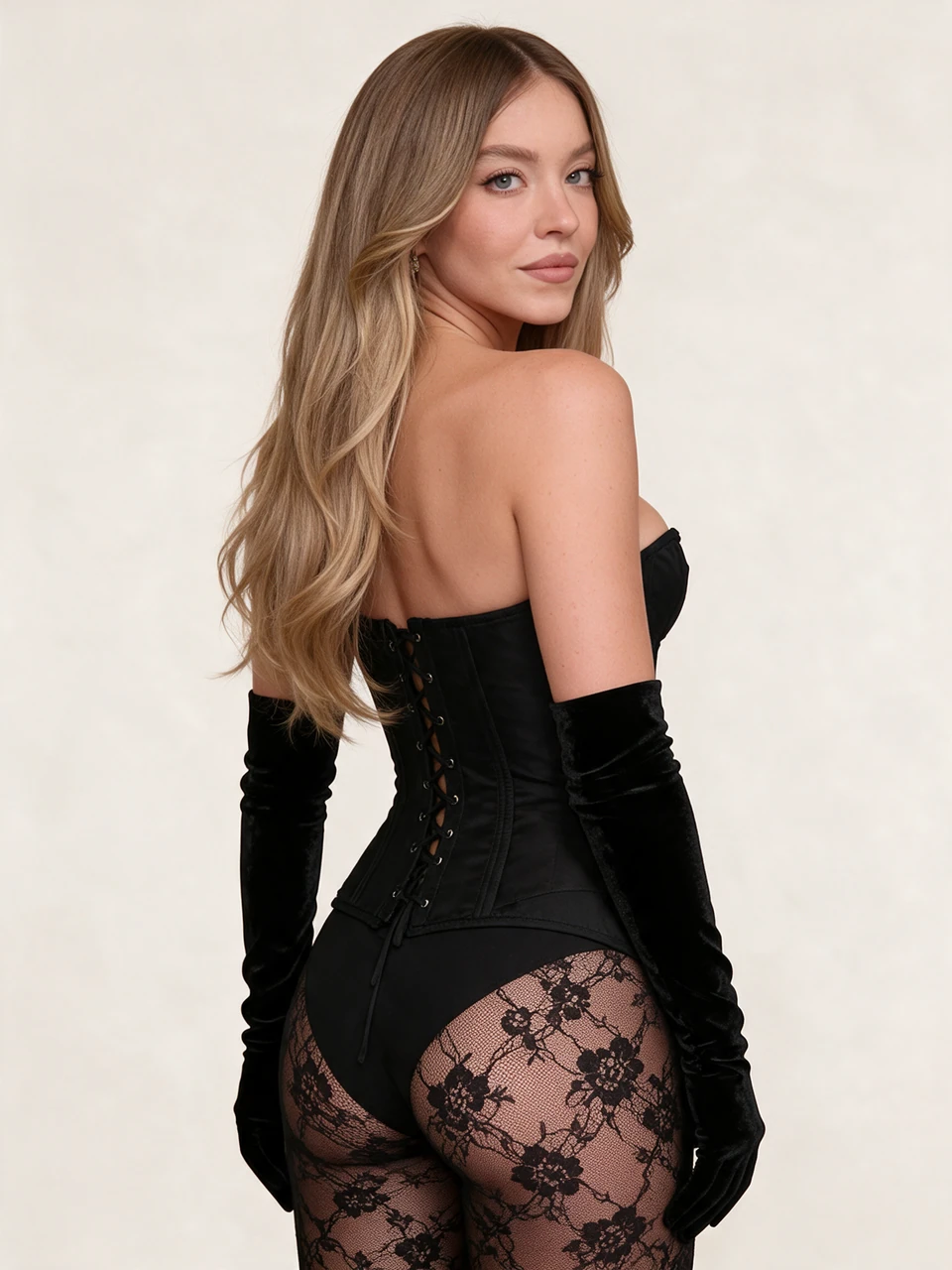
Black Corset Photoshoot
Create a studio portrait from your photo: a black corset, lace and long gloves against an ivory background. Upload one clear photo of your face.
Try with your photo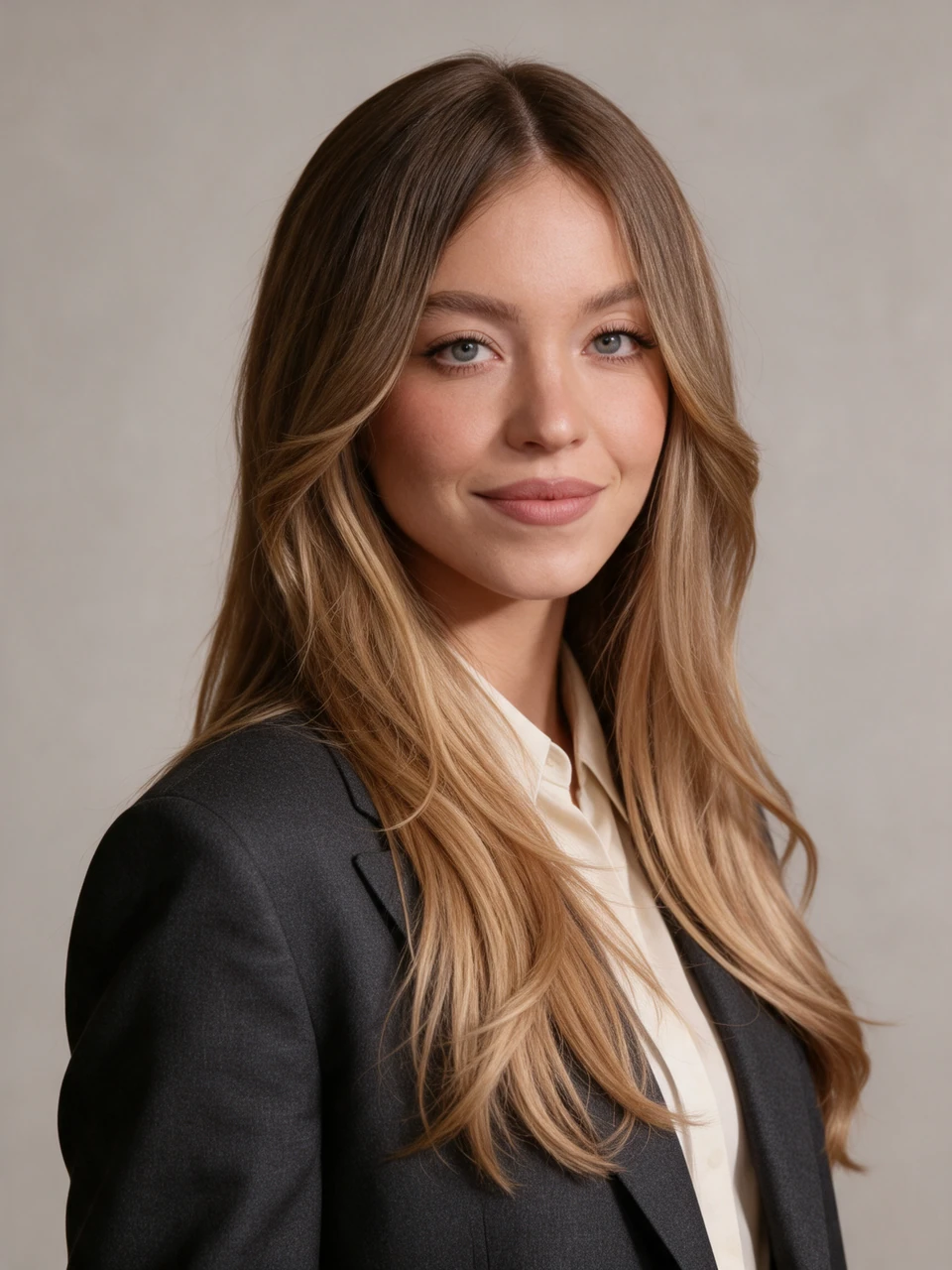
Professional Headshot
Create a professional headshot from one photo for your resume, LinkedIn profile or website. A charcoal blazer, light shirt, neutral studio background and soft lighting. Suitable for men and women.
Try with your photo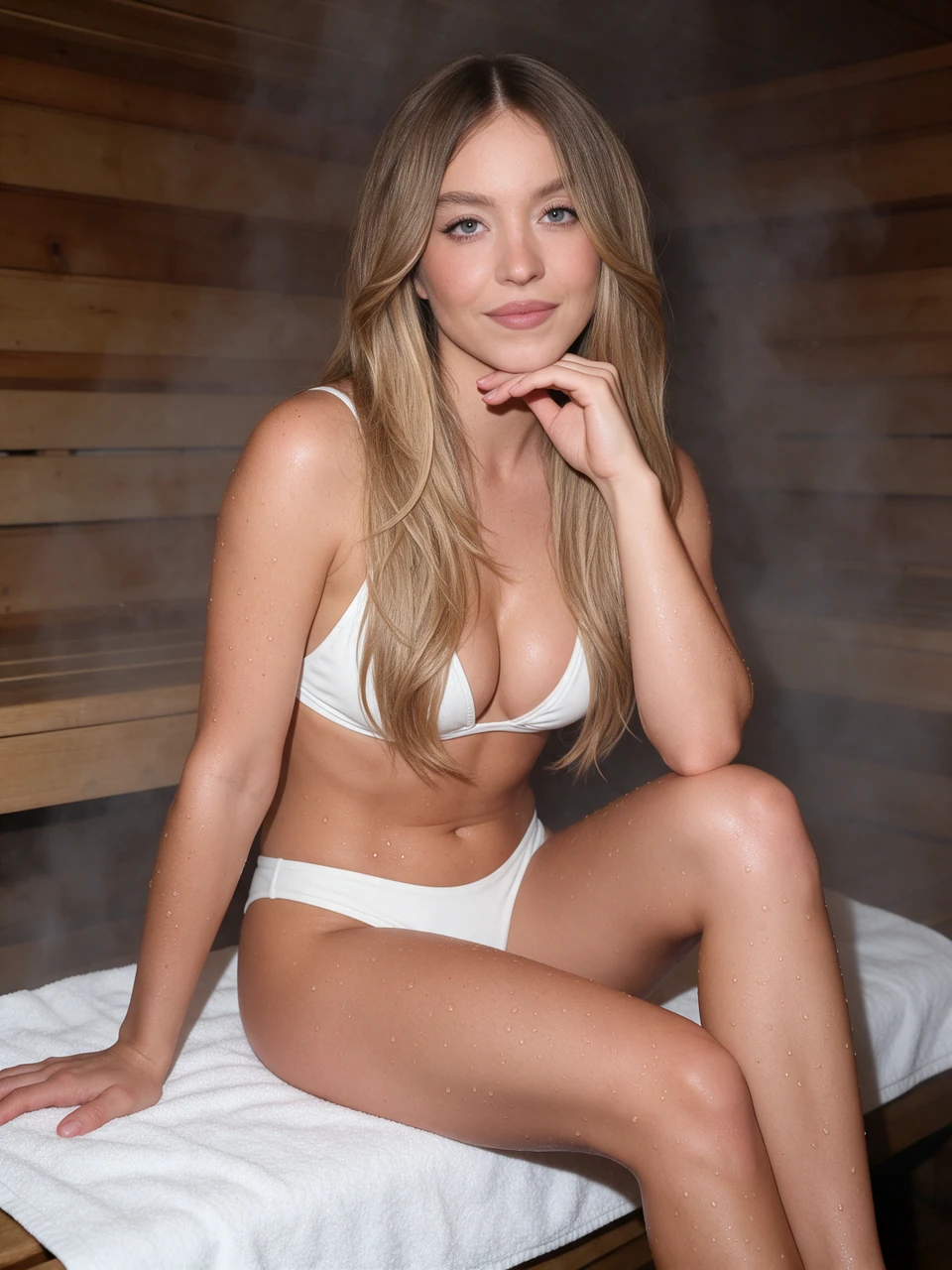
Sauna Photoshoot
Create a sauna-style portrait from your photo: warm wooden walls, a white bikini and soft steam. Upload one clear portrait to try this look.
Try with your photo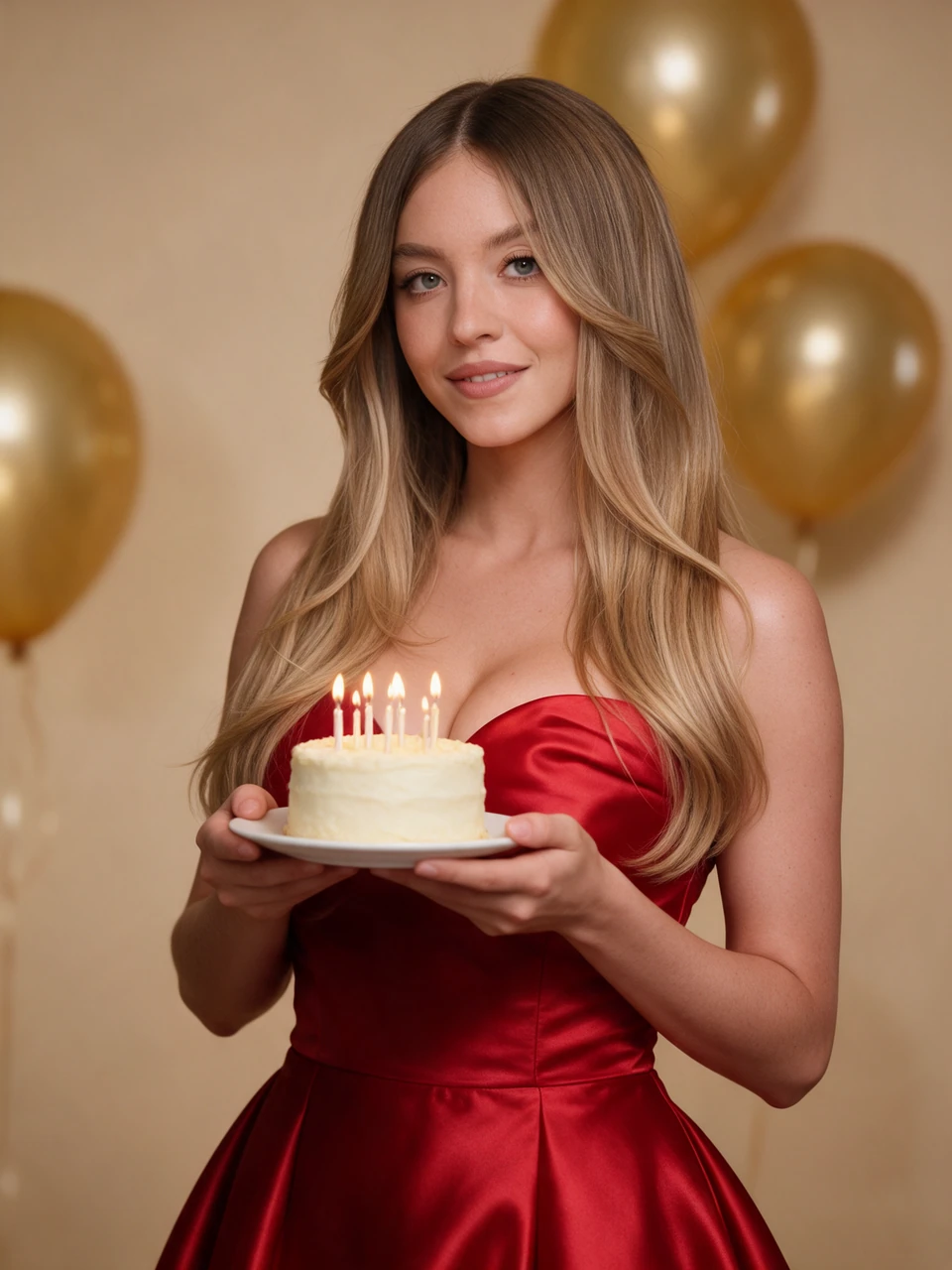
Birthday photoshoot
Create a birthday portrait from your photo: an elegant red dress, a cake with candles and golden balloons. Upload one clear photo — the scene and settings are ready.
Try with your photo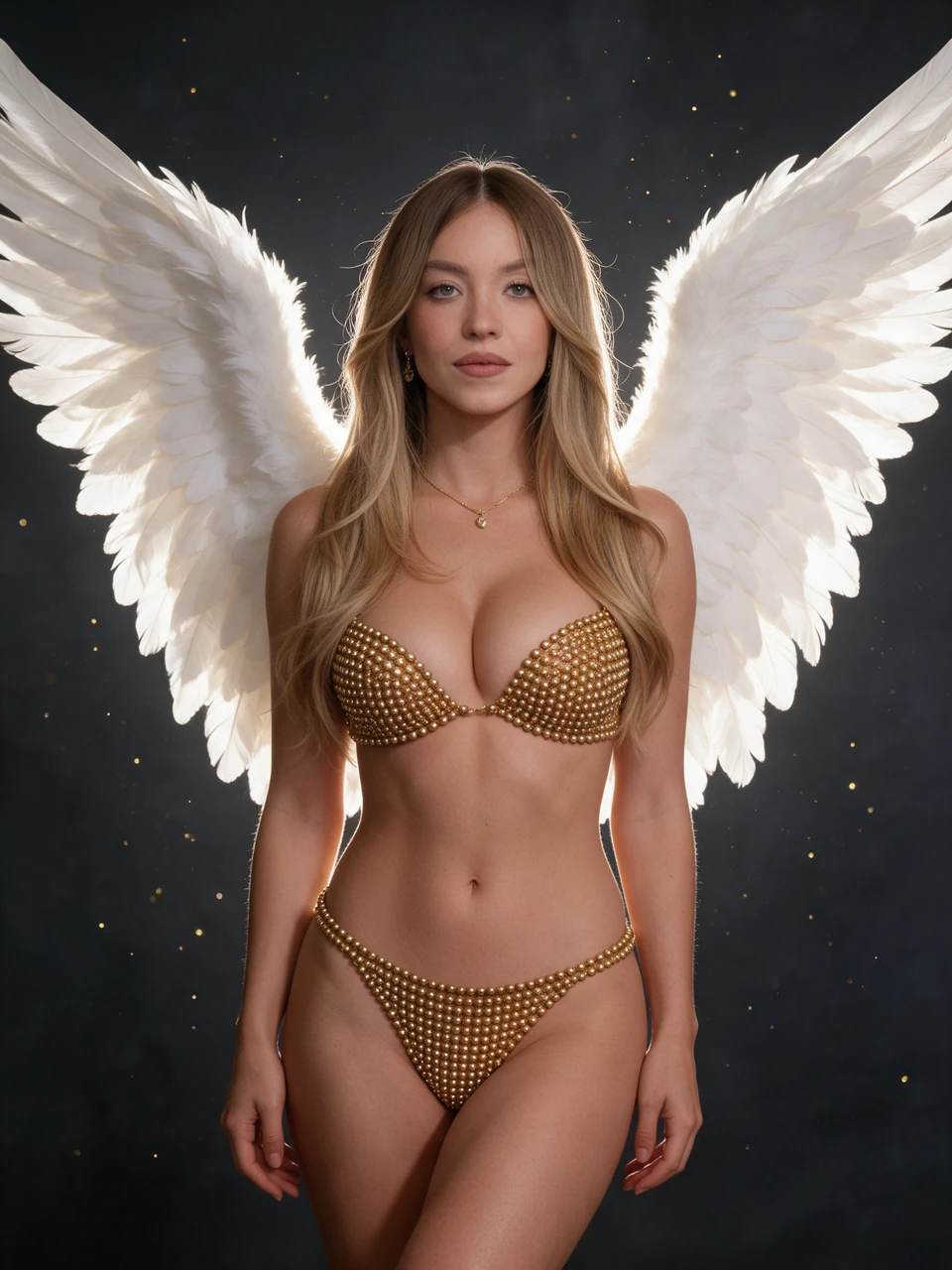
Golden angel
A studio portrait with white feather wings, a gold embellished lingerie set and soft light against a dark background. Upload one clear adult photo.
Try with your photo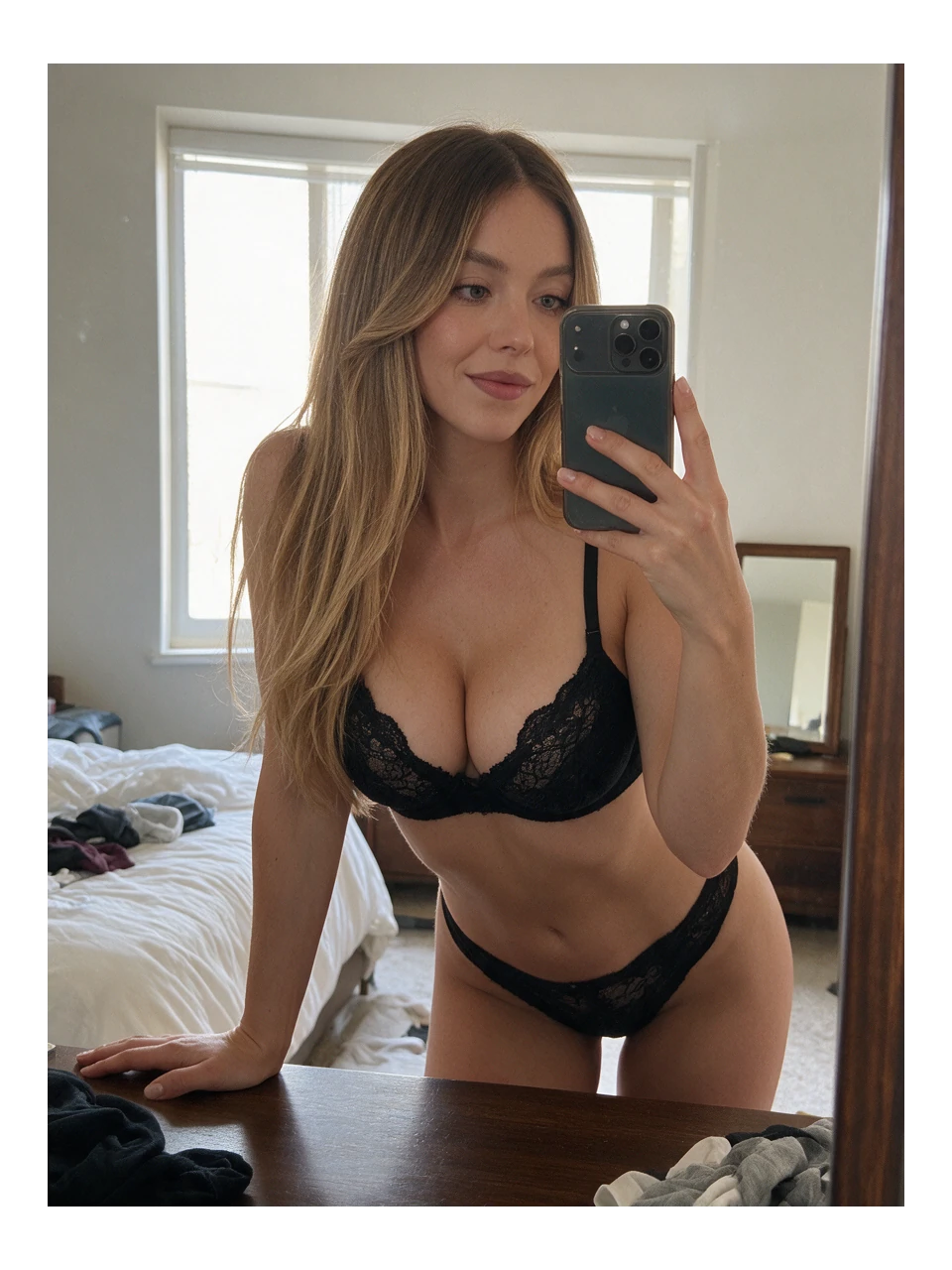
Mirror selfie
A casual mirror selfie with a natural expression. Add one photo — the template sets up the scene.
Try with your photo
How to create a photo with a template
- Open an example you like and check which photos it needs.
- Add your photos and sign in. There is no prompt to write or model to choose.
- Check the price and confirm creation. Your result appears on the template page and in My works.
Before you create
How much does a run cost?
The price in credits appears beside the create button. If you need more credits, top up and return to your prepared run. Creation still needs your confirmation after payment.
Will my photos appear in the catalog?
No. The catalog shows separately published cover images. Your uploads and results stay private; you can check their storage period in your account.
Can I change the template prompt?
The template author sets the scene and settings. To describe a different result in your own words, use the photo editor.