Add a photo
Choose an image. No photo is needed when creating from scratch.
AI image and video studio
Pikalt / web studio18+ generation available
Upload a photo and describe what to change. Or create images and videos from scratch, all in one studio.
Create an account in a minute. Open and download the result directly in the studio.
Pay per generation, no subscription. See the exact price before creating.
How it works
Start with plain language. Precise controls are available without getting in the way of the quick path.
Choose an image. No photo is needed when creating from scratch.
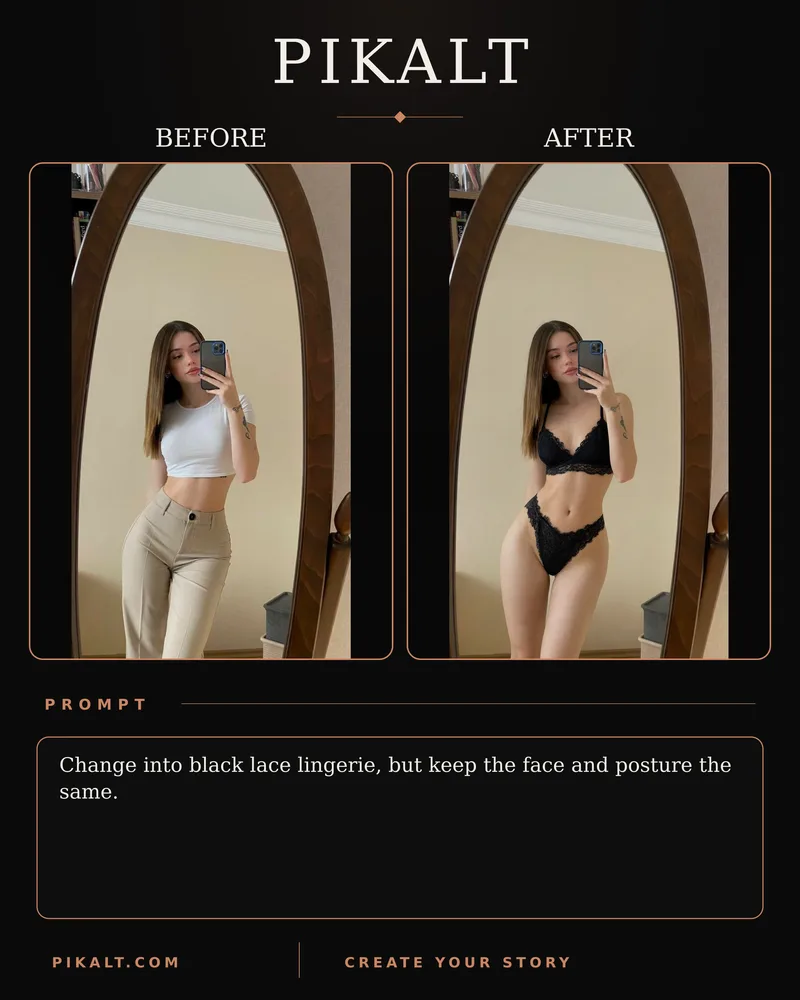
For example: “Replace the background with a beach”. The model is selected automatically, and the button shows the price.
Open your creation and download it. You do not need to wait on the page: the result stays in your history.
Illustrative examples
A feature, not a footnote
The service supports erotic and explicit generations featuring adults. There are no hidden modes: compatible models are clearly marked in the studio.
Supported content
18+18+ is available on compatible models within clear boundaries: adults only, consent and lawful use.
The essentials
Yes. Compatible Qwen Image and Wan Video models carry an 18+ mark. Minors, lack of consent and unlawful material are prohibited.
Yes. In image-to-image mode, choose a source beside the prompt; upload and format validation happen automatically.
Inside the studio workspace. Open it, download it or return to it from your history.
Create an account, enter the studio, choose a mode and describe the result you want.
Ready to try?
Text, reference, format, then launch. The right model and result stay together in one workspace.