Edit a photo with a text prompt
Edit photos with AI using your own words: change lighting, colours, clothing or surroundings. Upload an image and check the price before generating in Pikalt.
Adults only. Sign in or register; you will see the price before generating.
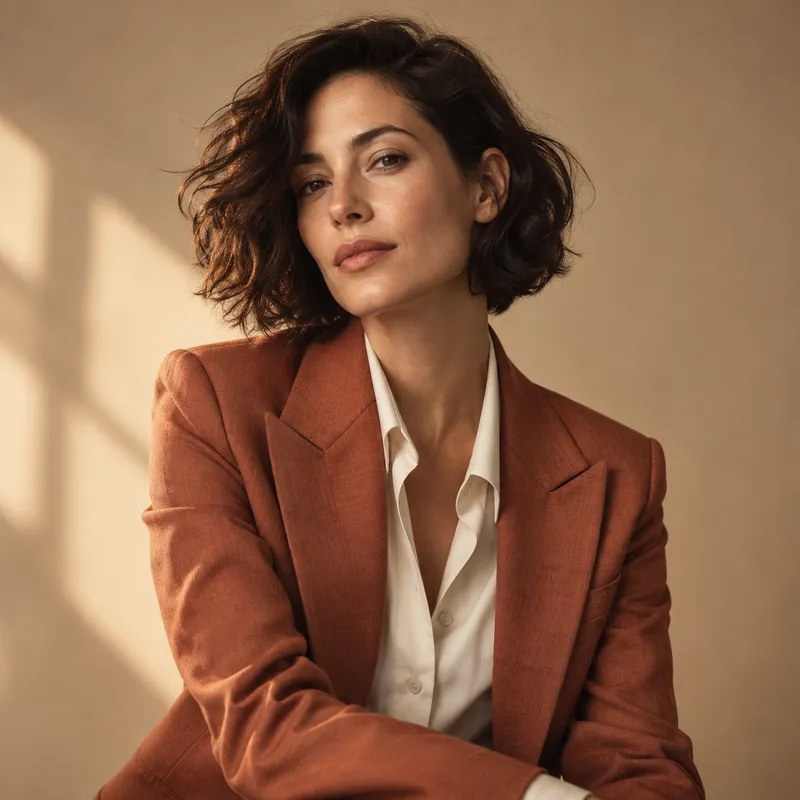
One photo, different possibilities
- Lighting and colour: ask for warmer light, muted tones or a black-and-white treatment.
- Clothing and details: describe a new jacket colour or an object you want to add to the scene.
- Surroundings: change the setting and specify which features of the person or object should stay the same.
Three simple steps
- Upload a photo in Edit a photo mode.
- Describe what to change and what to keep.
- Check the price and generate. Download from your history.
Before you generate
What kind of photo should I upload?
Start with a clear image without heavy filters. The face or object should be easy to see. For a small edit, describe the specific change and what should stay untouched. The number of source images supported depends on the model and is shown in the studio.
Will faces and small details stay unchanged?
The model may alter facial features, lettering, fingers and small details even when asked to preserve them. Check the result before using it. Generative editing is not a replacement for a conventional photo editor when you need precise pixel-level retouching.
How much does generation cost?
The credit cost depends on the model and settings you choose. The studio shows the exact price before you confirm generation. You can top up your balance if you need more credits. Signing in or opening the studio does not start a paid generation.
Who can see my photos?
Your uploads and results are not automatically published in the public catalogue. Files are sent to the selected AI provider for processing. Only use materials you have rights to and consent from the people shown. Your history displays when each result expires; download files you want to keep before then.