Animate a photo with AI
Turn a still photo into a video with AI. Describe subject or camera movement, choose supported video settings and check the price before generating in Pikalt.
Adults only. Sign in or register; you will see the price before generating.
Start with a simple movement
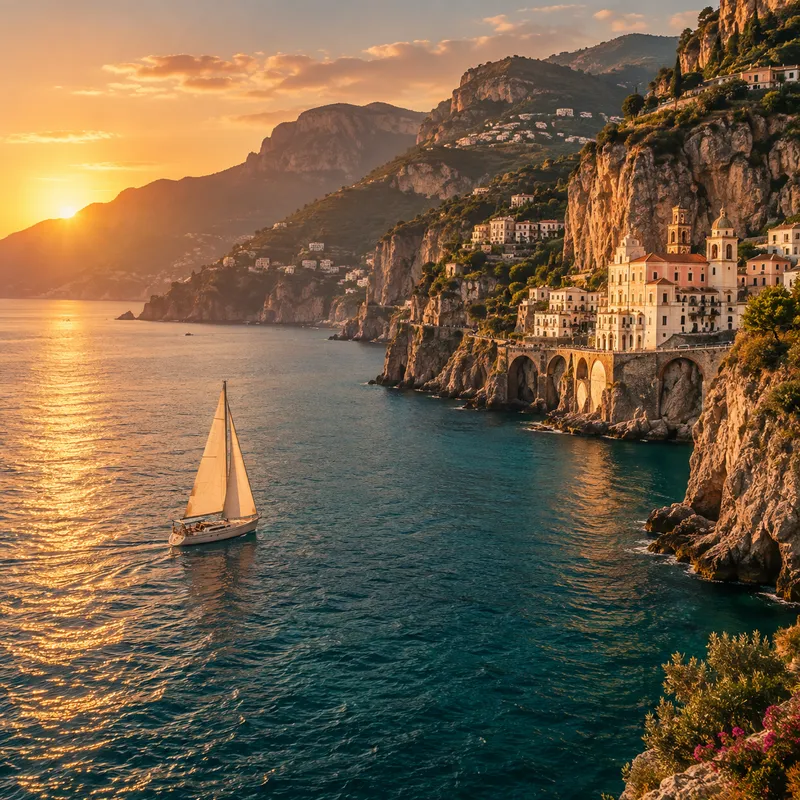
- Landscape: gentle movement of water, clouds or leaves while the main composition stays calm.
- Camera: a slow move towards an object or across the scene instead of several complex actions at once.
- Portrait: a small head or hair movement. More complex actions require closer checks for changes in likeness.
Three simple steps
- Upload an image in Animate a photo mode.
- Describe how the subject or camera should move.
- Check the price and generate. Find the video in your history.
Before you generate
How should I prepare the source photo?
Use a sharp image with a clearly visible main subject. Describe one main movement and what should stay still. Choose duration, aspect ratio and resolution from the options supported by your model in the studio.
Is natural movement guaranteed?
No. Motion can distort faces, hands, objects and backgrounds. Start with a subtle action and review the entire clip, not just the first frame. The still illustration on this page is not a sample of generated video.
How much does generation cost?
The credit cost depends on the model and settings you choose. The studio shows the exact price before you confirm generation. You can top up your balance if you need more credits. Signing in or opening the studio does not start a paid generation.
Who can see my photos?
Your uploads and results are not automatically published in the public catalogue. Files are sent to the selected AI provider for processing. Only use materials you have rights to and consent from the people shown. Your history displays when each result expires; download files you want to keep before then.